
08 Sep The Website Bug We Found on Almost Every Site We Audited, and Why AI Agents Care About It
We run a recurring technical audit across the client websites we manage. This summer, one check started failing almost everywhere: bulleted lists that are not actually lists.
Here is the short version of what that means and why it matters. When AI agents visit your website, whether that is Google’s systems evaluating your pages or a browsing agent researching a purchase for a customer, they do not see your design. They read your site’s underlying structure, largely through the same accessibility tree a screen reader uses. If your page shows a tidy bulleted list of services but the code underneath says “here are six unrelated boxes,” the machine reading your site loses the relationship between those items. A human sees a list. The agent sees noise.
We found this exact failure, in one form or another, on the majority of sites we swept. If your site was built with a popular page builder, yours probably has it too.
What we actually found
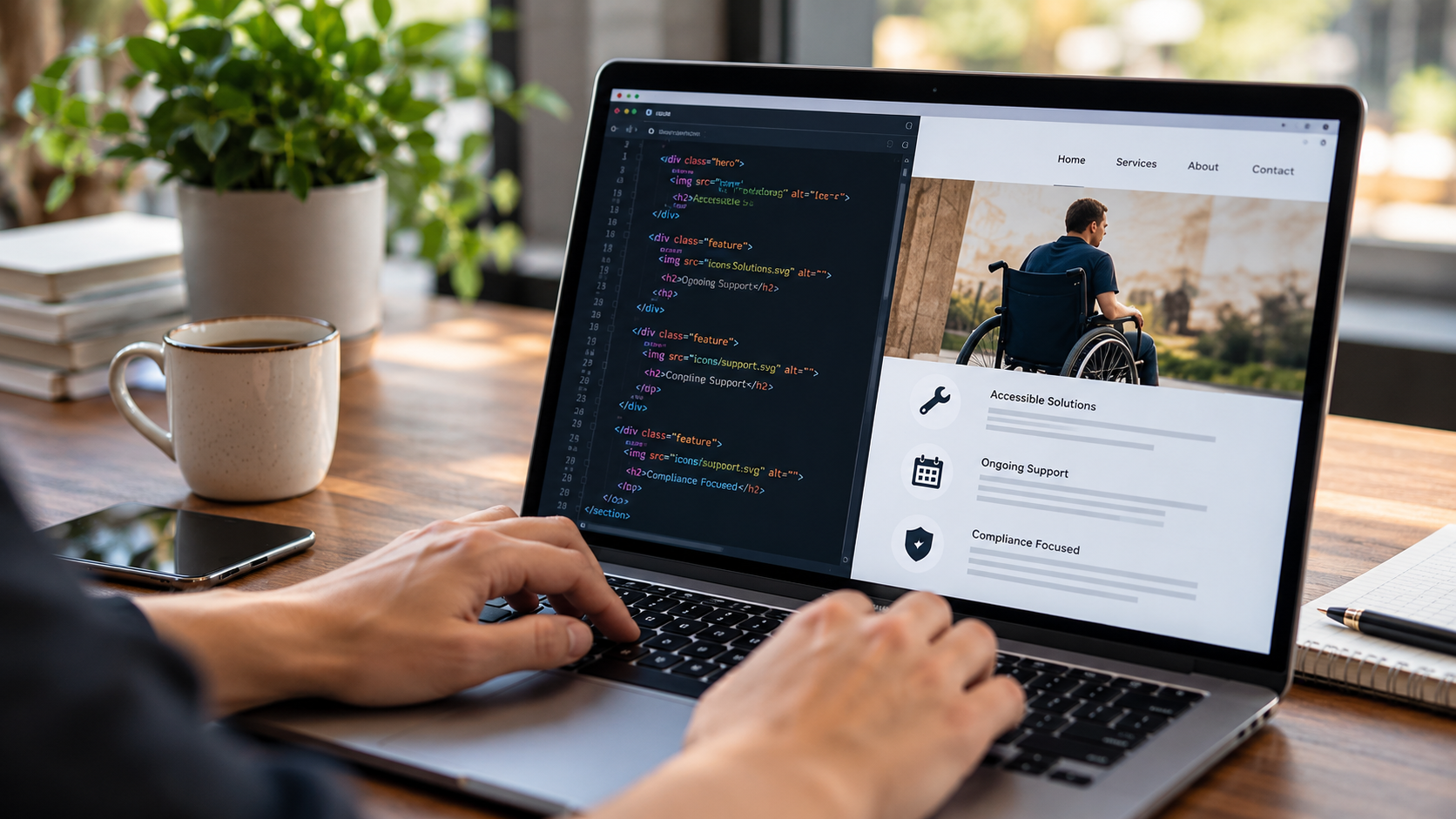
The pattern comes from how page builders like Elementor construct layouts. A designer drags icon-and-text elements into a column to create what looks like a list of services, features, or benefits. Visually, perfect. Structurally, each item is a standalone block with no markup connecting it to its neighbors. There is no list element, no list items, nothing that says these six things belong together and are of the same kind.
When we ran pages like this through agent-readiness testing, the results were consistent: content that a human scans in two seconds came back to the machine as fragments. In some cases items were announced individually with no indication of how many there were or where the group began and ended. A screen reader user gets the same degraded experience, which is why this shows up in accessibility audits as well as AI-readiness ones.
The fix is unglamorous: rebuild those sections with real list markup, or configure the builder’s widgets to output it. We have been doing exactly that across our client fleet, page by page, as part of our monthly maintenance work. It does not change how the page looks at all. It changes what the page means to a machine.
Why this is worth your attention in 2026
Google published guidance this year on how its AI features and agents read websites, and the through-line is simple: agents work best with clean, semantic structure, the same qualities that make a site accessible. Google’s guidance explicitly notes that agent experiences overlap heavily with accessibility best practice. Semantic HTML is listed in its AI optimization documentation as a technical fundamental.
This is not about a special file, a plugin, or an AI trick. It is about whether the meaning your designer intended survives the trip from your screen into a machine’s understanding. Lists are the clearest example because they are everywhere: services, process steps, pricing inclusions, FAQs. When those read as disconnected fragments, an AI system summarizing your business has less to work with than your competitor whose markup says what it means.
How to check your own site in five minutes
You do not need us for the first pass:
- Open any key page of your site, right-click a bulleted section, and choose Inspect. If the items are wrapped in
ulandlitags, good. If each bullet is its owndivwith an icon image, you have the problem. - Tab through the page with your keyboard. If you cannot reach every button and link, or you lose track of where you are, agents and assistive tech struggle too.
- Run Google Lighthouse (built into Chrome) and read the accessibility section. It will not catch everything, but it catches structure problems like this.
If the inspection turns up div soup, the fix belongs in your site’s build, not in an overlay widget bolted on top.
The bigger lesson from sweeping an entire client fleet
The reason we caught this at scale is that we audit at scale, on a schedule, with the same checks applied to every site. One-off audits find one-off problems. Recurring fleet audits find patterns, and patterns tell you where the platforms themselves are quietly working against you. This one came from a page builder default, which means it silently shipped on thousands of small-business sites whose owners did everything right.
That is the case for having someone technical standing watch over your site, not just someone posting to it. The web your customers see has not changed much this year. The web machines see is changing every quarter, and the businesses that keep up are the ones getting recommended.
Want to know what an AI agent sees when it reads your site? Ask us for an agent-readiness audit. We will show you the exact gaps, in plain English, before they cost you a recommendation.